

How I Made My First $100 Online Using Only Free Tools
How I Made My First $100 Online Using Only Free Tools
The internet is a strange place. For months, I watched YouTube videos of teenagers claiming they made thousands of dollars while sleeping. Most of it felt like a scam. I didn’t have money to invest in expensive courses, premium subscriptions, or paid ads. I had exactly $0 in my bank account and a laptop that took five minutes just to start up.
But I was determined. I wanted to see if a regular person, without a “pro” setup, could actually make money online.
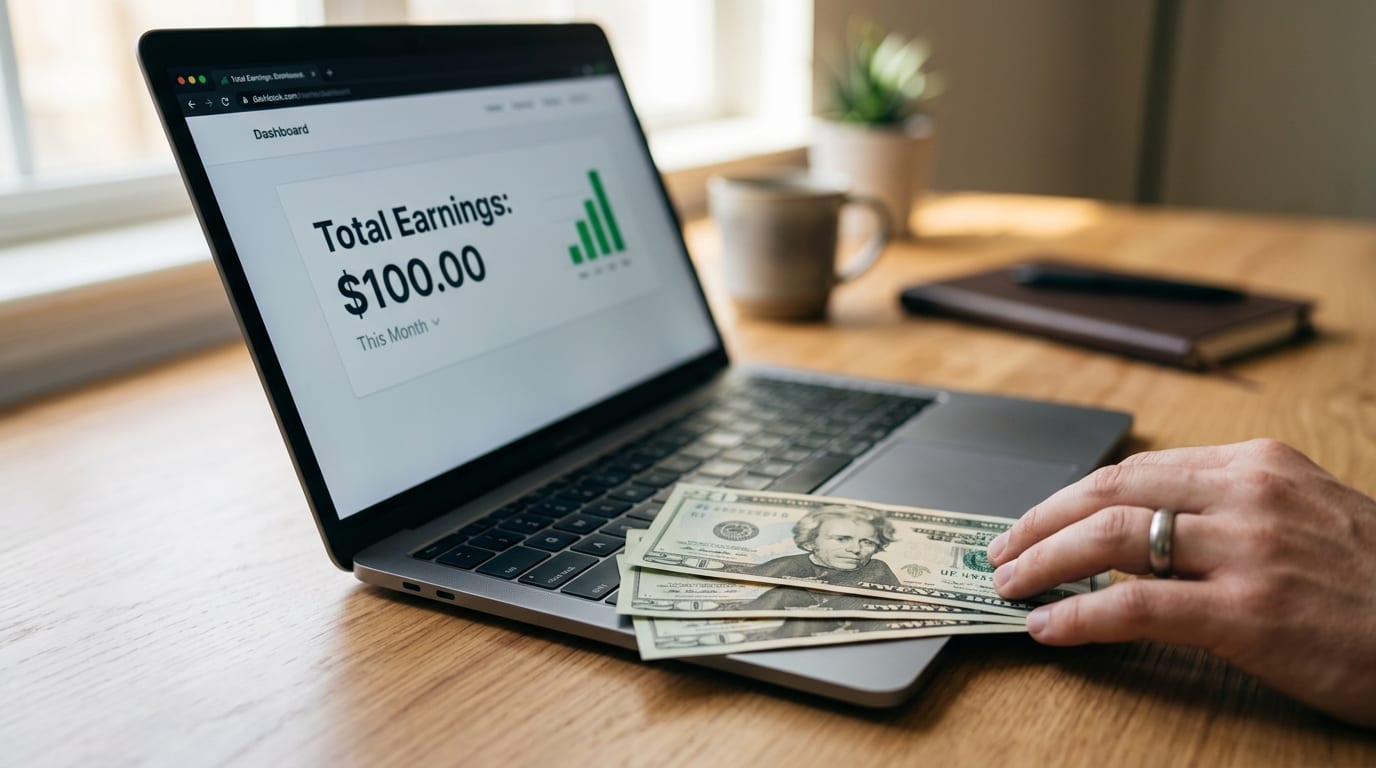
Last month, I finally hit a milestone: My first $100. It wasn’t magic, and it didn’t happen overnight. It was a combination of three free tools and a bit of stubbornness. If you are struggling to start because you don’t have a budget, here is exactly how I did it.
The Realization: Skills Over Software
The biggest mistake I made initially was thinking I needed “Pro” tools. I thought I needed Adobe Premiere for videos or Canva Pro for designs. I was wrong. The market doesn’t care what software you use; it only cares about the value you provide.
I decided to focus on Content Strategy and Simple Graphic Design for small creators who were too busy to do it themselves.
Step 1: Hunting for the “Problem” (Using Twitter/X)
I didn’t go to Upwork or Fiverr immediately because the competition there is soul-crushing for beginners. Instead, I used Twitter (X).
I used the search bar to look for keywords like “looking for a thumbnail designer” or “need help with my blog graphics.” I spent two hours every evening just replying to people. I didn’t send a generic “Hire me” message. Instead, I sent a quick mock-up of what I could do for them.
Step 2: The Magic of Free Tools (Canva & Photopea)
Since I had no money for Photoshop, I relied heavily on Canva (Free Version) and Photopea.
For those who don’t know, Photopea is basically a free, web-based version of Photoshop. It’s powerful, and it costs nothing. I spent a week watching basic tutorials on YouTube to learn how to remove backgrounds, play with typography, and balance colors.
I found a small YouTuber who was struggling with their click-through rate. I sent them two custom-made thumbnails for free. I told them, “If these get you more views, let’s talk about a paid deal.”
Three days later, he emailed me back. One of the videos had performed 40% better than his average. He offered me $15 per thumbnail. It wasn’t a million dollars, but it was a start.
Step 3: Organizing with Notion
To keep track of my clients and my “outreach” (which is just a fancy word for messaging people), I used Notion.
Most people use Notion for aesthetic notes, but I used it as my command center. I tracked who I messaged, who replied, and what work was pending. Staying organized allowed me to work faster. When you aren’t paying for tools, you have to pay with your time, so being efficient is the only way to win.
The Breakdown of the $100
It took me about three weeks to reach the $100 mark. Here is where the money came from:
- Thumbnail Design (YouTube): $45 (3 thumbnails at $15 each)
- Social Media Templates (Instagram): $30 (A pack of 10 templates for a local cafe)
- Basic Photo Editing: $25 (Removing backgrounds for an e-commerce friend)
Total: $100.
The “Ugly” Truth No One Tells You
Was it easy? No. I got ignored by at least 50 people before I got my first “Yes.” There were nights when I felt like I was wasting my time for pennies.
But here is the thing: That first $100 is the hardest money you will ever earn online. Once you prove to yourself that it’s possible without spending a dime on software, your mindset changes. You stop looking for excuses and start looking for solutions.
My Advice for You
If you are reading this and you have $0, don’t wait for a “perfect” setup.
- Pick one free tool: (Canva, CapCut, or even Google Docs for writing).
- Find a problem: Look on Reddit, Twitter, or Facebook groups.
- Offer a free sample: Prove your worth before asking for money.
The internet is the only place where you can build an empire starting with nothing but a Wi-Fi connection. Stop overthinking, stop buying courses you don’t need, and just start “doing.”
If I could do it with a laggy laptop and zero experience, you definitely can too.
_______________________________________________
Note for the Reader: If you found this helpful, feel free to leave a “Heart” or a tip! It helps me keep sharing these honest breakdowns of my journey.