

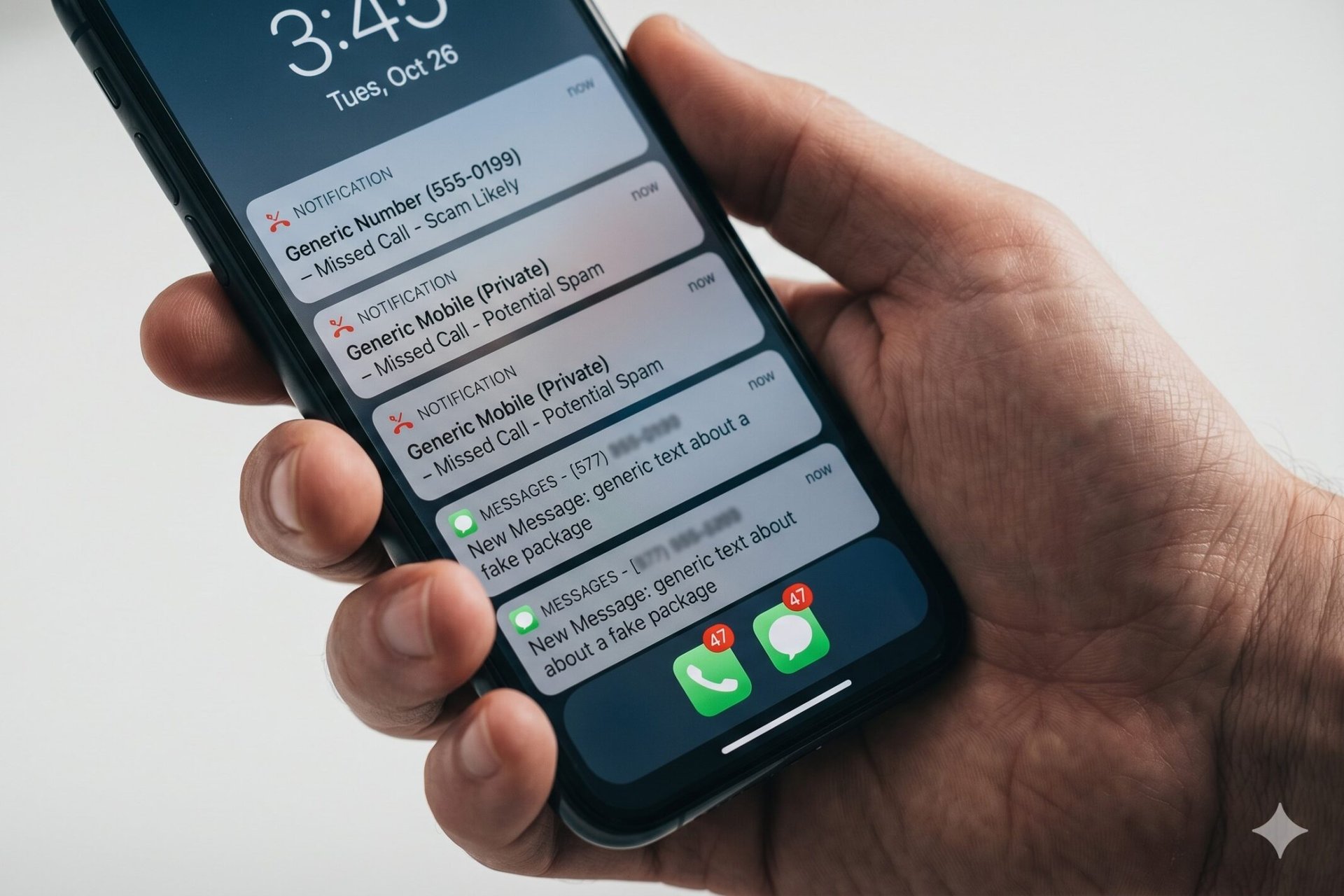
8 Ways to Shut Down the Spam Texts and Robocalls That Are Driving You Crazy
Your phone buzzes. You glance at it.
“Final notice: USPS package undeliverable.” “Your account has been suspended.” “Hi, is this Mike?” from a number you’ve never seen.
Then it happens again an hour later. And again after lunch. And once more at dinner.
You’re not imagining it. Spam-blocking firm YouMail estimates Americans now get about 2.56 billion robocalls a month, a six-year high, according to the consumer group U.S. PIRG.
Pew Research found that roughly 1 in 3 U.S. adults gets at least one scam call every day. For 21%, it’s several a day. For me personally, it’s more like eight to 10 a day.
The Federal Trade Commission reports the average phone scam victim lost $3,690 in the first half of 2025. Text scam victims lost an average of $1,452.
Personally, I’m not losing money to scams, but they definitely steal my peace of mind. They keep me glancing at my watch, often diverting attention from the person or task at hand. They make me mad. They ruin my vibe.
And that’s why I did the research for this story that I’m now passing along to you. None of it costs a dime. Most of it takes seconds.
1. Stop replying. Stop clicking. Stop everything.
The dumbest thing you can do with a spam text is respond. Even typing “STOP” tells the sender your number is live and active, which makes it more valuable. Scammers buy and sell those lists.
The same goes for links. One tap can install malware, harvest your contacts, or redirect you to a fake bank login page built to steal your password.
These text message scams come in dozens of flavors — fake delivery notices, bank fraud alerts, IRS warnings. They all rely on you tapping first and thinking second.
Delete the message. Don’t reply. Don’t tap. Don’t even read it twice.
2. Forward text junk to 7726
This one takes about 10 seconds and it actually works.
Copy the spam text, then forward it to 7726, which spells “SPAM” on your keypad. Every major U.S. carrier accepts these reports for free, and they feed the data into their filters to block similar messages across the network.
The Federal Communications Commission confirms this is the fastest way to alert your carrier. After you forward it, you’ll get an automatic reply. Then delete the conversation.
3. Turn on your phone’s built-in spam filter
Your phone already has a free, built-in spam blocker. Most people never turn it on.
On iPhone: Go to Settings → Apps → Messages → toggle on “Filter Unknown Senders.” Then go to Phone and set “Screen Unknown Callers” to Silence or Ask Reason for Calling. Apple lays out the full menu of options.
On Android: Open the Phone app, tap the three-dot menu, go to Settings → Caller ID & Spam, and turn on “Filter spam calls.” In Messages, enable Spam Protection.
Fair warning: silencing unknown numbers means a real call from your kid’s school or your doctor’s office could go straight to voicemail. I think it’s worth it. You decide.
4. Activate your carrier’s free spam shield
If you’re with one of the big three carriers, you have free network-level spam protection sitting right there.
- T-Mobile: Scam Shield is built into the T-Life app. It’s free.
- AT&T: ActiveArmor is free for all wireless customers.
- Verizon: Call Filter is free. The Plus version costs extra.
These tools work at the network level, meaning they kill junk before it ever rings your phone. The FCC keeps an updated list of carrier blocking tools on its site.
Not with one of the big three? Check your carrier’s website. The FCC requires every U.S. provider to offer some form of call blocking.
Quick aside — most internet financial advice comes from people who weren’t alive during the last recession. I’ve been writing about money for more than 40 years. Want rock-solid advice? Sign Up for Money Talks Newsletter. Takes 10 seconds. No fluff. No spam.
5. Get your number on the Do Not Call Registry
It takes 30 seconds at donotcall.gov.
It won’t stop scammers. They’re already breaking the law, and they don’t care. But it does kill calls from law-abiding telemarketers, cold-call debt collectors, and survey shops. The FTC reports about 258.5 million numbers were registered as of September 2025.
Once you’re on the list, legitimate telemarketers have 31 days to drop you. After that, any sales call you get is illegal — which gives you ammunition for the next step.
6. Report what gets through
When a scammer slips past every filter, report it.
There are two places to go: ReportFraud.ftc.gov for the FTC, and consumercomplaints.fcc.gov for the FCC. Filing takes a few minutes.
Will it get you a refund? No. Will it help build a case the government can use to shut down the operation? Yes.
The FCC effectively shut down about 1,400 phone companies in August 2025 for routing illegal robocalls. Reports like yours are how that happens.
7. Lock down your voicemail
The FCC specifically warns that scammers hack voicemail boxes with weak passwords to plant fake messages or harvest personal info from old ones.
Set a strong, unique voicemail PIN — not your birthday, not 1234, not the last four digits of your phone number. If your carrier offers visual voicemail with PIN protection, turn it on.
While you’re in there, delete any old voicemails that mention account numbers, addresses, or anything else you’d hate a stranger to hear.
8. Quit handing out your number
Every form you fill out, every loyalty card sign-up, every “enter your phone for a discount” prompt at checkout — your number gets sold, traded, and resold.
A few habits to shut off the supply:
- When a website asks for your phone number and it’s optional, leave it blank.
- Read the privacy policy for the opt-out checkbox. It’s there. They bury it.
- Use a free second number from Google Voice for retail sign-ups and one-time purchases.
- Don’t post your number on social media. Ever.
The bottom line
You can’t stop every spam text and robocall. Scammers are getting smarter, faster, and more aggressive — and AI is making it worse.
But you can drop your daily count from 10 down to one or two. Block the network-level junk, silence the unknown callers, register your number, and stop feeding the beast with your digits.
Ten minutes of setup. A step closer to Zen.